 11
11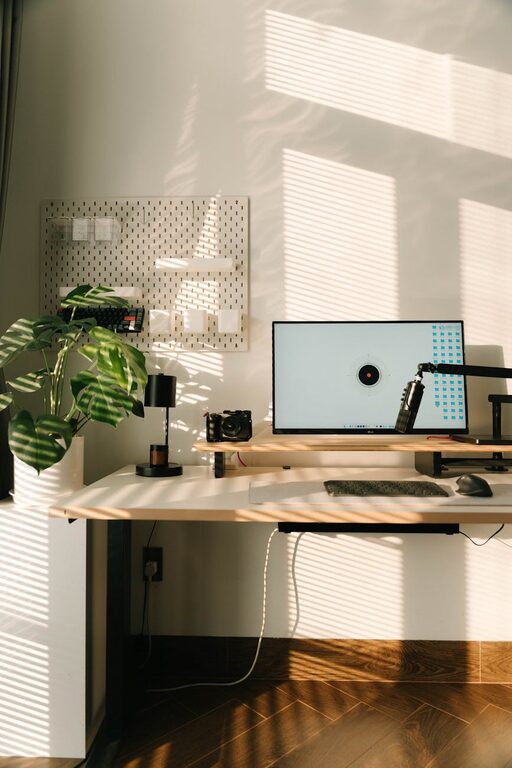
Creating a productive home office environment can greatly enhance your focus and efficiency while working remotely. Whether you’re new to working from home or looking to improve your current setup, small changes can make a big difference. This guide shares practical tips for organizing, decorating, and managing your home workspace to support your best work.
Selecting a specific area in your home for work helps establish boundaries between personal and professional life. Ideally, choose a quiet spot with minimal foot traffic, such as a spare room, corner of a bedroom, or a section of the living room.
Position your desk near a window if possible. Natural light can boost mood and energy, making it easier to stay alert throughout the day. If natural light is limited, invest in good quality lighting that mimics daylight.
Comfort is key for long working hours. Choose an ergonomic chair that supports your back and promotes good posture. Adjustable desks or standing desk options can add versatility to your workspace.
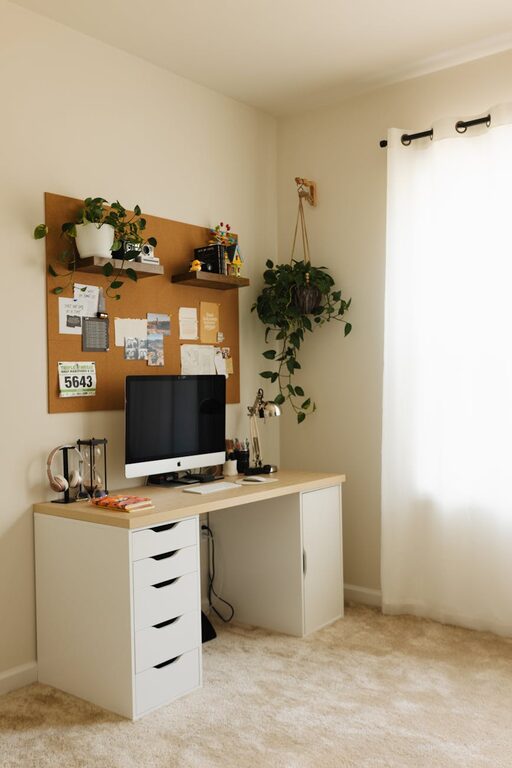
A spacious desk surface helps you keep necessary items within reach and reduces clutter. Use desk organizers, trays, or drawers to store stationery, documents, and gadgets neatly.
Background noise can break concentration. Use noise-canceling headphones or play soft instrumental music if it helps you focus. For noisy environments, consider adding rugs, curtains, or soundproofing panels.
Keep physical clutter to a minimum by tidying up regularly. Similarly, organize your computer files and close unrelated tabs to reduce digital distractions.
A stable internet connection is crucial for video calls, online collaboration, and research. If Wi-Fi is weak in your chosen workspace, consider a wired connection or signal booster.
Ensure you have necessary equipment such as a good quality webcam, microphone, printer, and accessories like keyboard and mouse. Use productivity tools and apps that help manage tasks, track time, and facilitate communication.
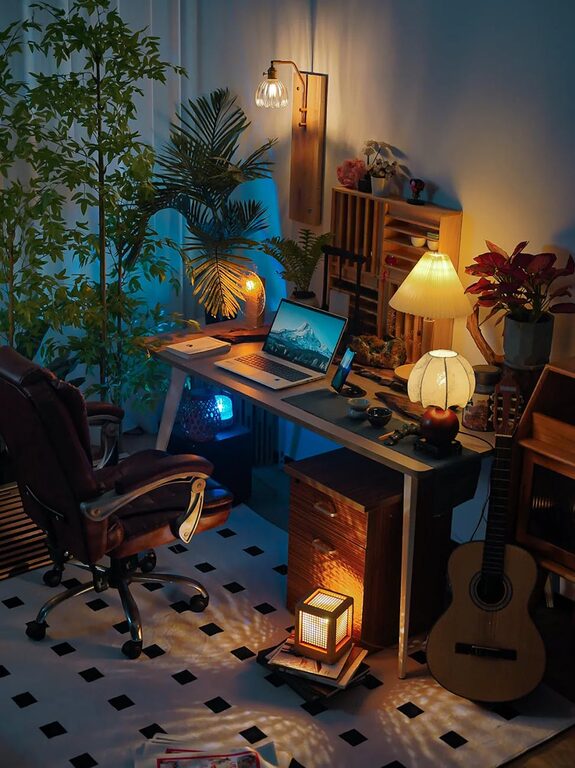
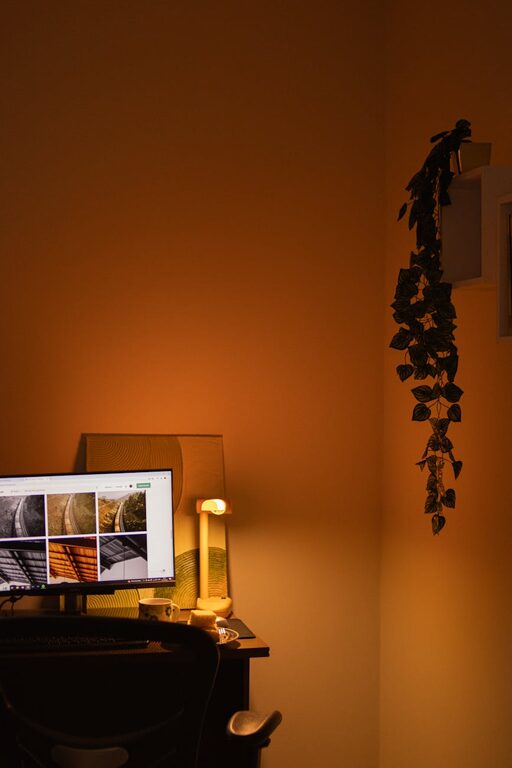
Bringing a few plants into your office can improve air quality and create a calming atmosphere. Decorate with items that inspire you—artwork, photos, or motivational quotes—without overcrowding the space.
Good ventilation keeps your workspace fresh and helps prevent fatigue. Open windows when possible or use an air purifier to maintain clean air.
Define clear start and end times for your workday. This boundary helps balance professional responsibilities and personal time.
Incorporate short breaks to stretch, hydrate, or take a quick walk. Scheduled breaks prevent burnout and improve focus when you return to work.
Calendars, to-do lists, and planners keep your tasks organized and deadlines visible. Digital tools like calendar apps or project management software can be synced across devices.
A clean workspace enhances mental clarity. Set aside time weekly to dust, wipe surfaces, and organize materials.
—
By thoughtfully designing your home office environment, you create a space where you can work efficiently and comfortably. Implementing these tips can transform your at-home work experience, helping you maintain productivity and enjoy a better balance between work and life.