 11
11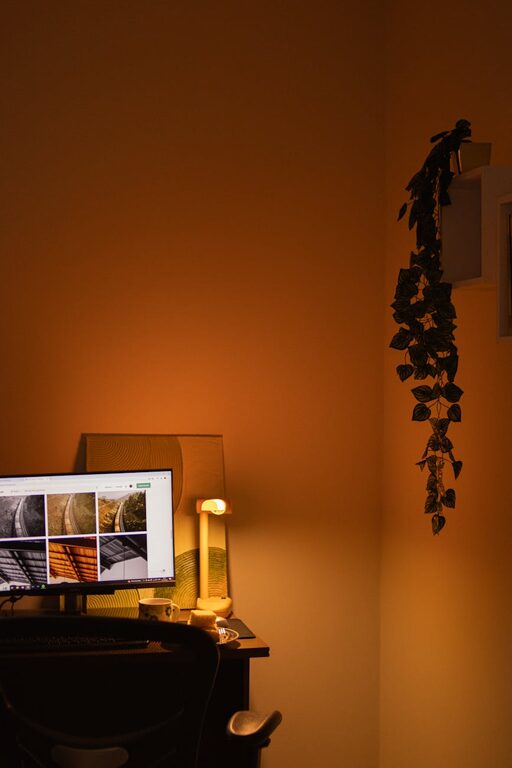
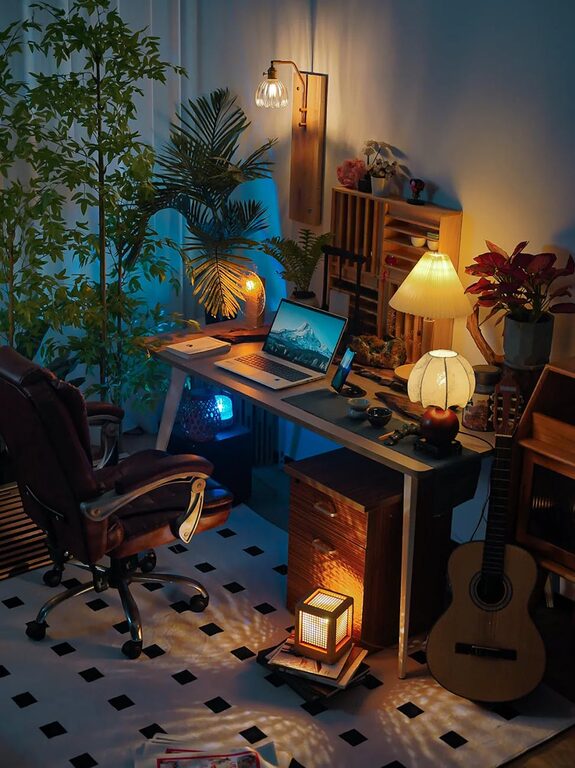
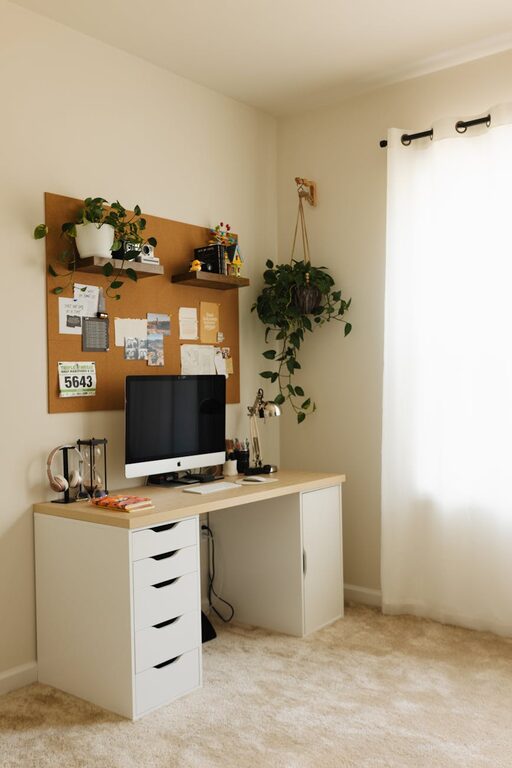
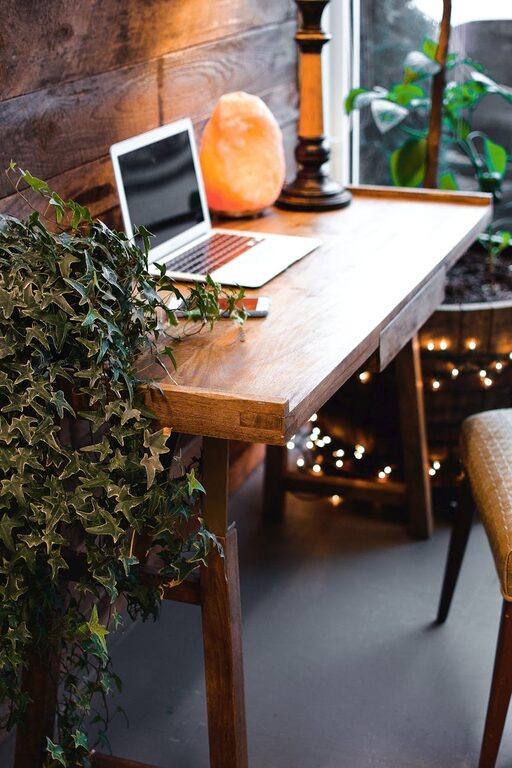
Creating a home workspace that is both inviting and functional is key to maintaining productivity and comfort while working remotely or managing tasks at home. Whether you have a dedicated room or a small nook, thoughtful design and organization can transform your area into an inspiring place to work. In this post, we’ll explore practical tips for creating a space that supports your work habits and personal style.
Selecting the best spot for your workspace sets the foundation for its success.
– Natural Light: Aim to place your desk near a window to take advantage of natural daylight. This can boost mood and reduce eye strain.
– Quiet Area: Pick a location with minimal distractions. Away from high-traffic zones like the kitchen or living room helps maintain focus.
– Space: Ensure there’s enough room for your desk, chair, and any other tools you need without feeling cramped.
Comfort is critical to sustaining long work hours.
– Desk: Choose a desk that fits your equipment and allows space to work comfortably. Adjustable desks offer flexibility to switch between sitting and standing.
– Chair: An ergonomic chair that supports good posture can prevent back and neck pain. Look for adjustable height and lumbar support.
– Accessories: Use a monitor stand to keep screens at eye level, and consider ergonomic keyboards and mice to reduce strain.
Proper lighting creates an inviting atmosphere and reduces fatigue.
– Layer Lighting: Use a combination of natural light, ambient lighting, and task lighting. A desk lamp with adjustable brightness helps reduce shadows.
– Avoid Glare: Position screens and lamps to avoid glare on your monitor.
– Warm Lights: Use warm white bulbs to create a cozy feel while maintaining clarity.
Clutter can distract and reduce efficiency. Use smart organization to maintain productivity.
– Storage Solutions: Incorporate shelves, drawers, or filing cabinets to keep documents and supplies neatly stored.
– Desk Accessories: Use organizers such as trays, pen holders, and cable management tools to keep your desk tidy.
– Regular Decluttering: Set aside a few minutes each day or week to clear unnecessary items from your workspace.
Add elements that make the space welcoming but avoid overwhelming distractions.
– Plants: Small indoor plants can improve air quality and create a calming environment.
– Artwork: Display art or photos that inspire you.
– Colors: Use a color palette that promotes focus and relaxation, such as soft blues, greens, or neutrals.
Set up technology to enhance productivity without adding complexity.
– Reliable Internet: Ensure strong Wi-Fi or wired connection for uninterrupted workflow.
– Essential Devices: Keep necessary devices like printers, scanners, or extra monitors within reach.
– Cable Management: Use clips, sleeves, or boxes to organize and hide wires.
A functional workspace also means building habits that support work-life balance.
– Defined Work Hours: Set clear start and end times to help separate work from home life.
– Workspace Use: Limit work activities to your designated area to mentally “leave” work at the end of the day.
– Break Space: Have a spot nearby for short breaks, which can refresh focus.
Your needs may change over time, so periodically review your setup.
– Comfort Check: Adjust furniture or lighting as needed.
– Efficiency Assessments: Identify any clutter or bottlenecks you can improve.
– Inspiration Updates: Refresh decor to keep the space enjoyable and motivating.
—
Designing a home workspace that balances comfort, functionality, and style can make a big difference in your daily routine. By paying attention to location, furniture, lighting, and organization, you can create an environment that supports your productivity while feeling inviting enough to enjoy. Start small, make gradual improvements, and tailor your space to what works best for you.