 11
11 Creating a cozy and inviting home workspace can make a significant difference in how you feel about your workday. Whether you are working remotely full-time, freelancing, or managing occasional tasks from home, a warm and functional environment can enhance your focus and well-being. In this post, we’ll share practical tips to help you design a workspace that balances comfort and productivity.
A workspace that feels welcoming encourages you to spend time there calmly and happily. When your surroundings are pleasant and personalized, you reduce stress and increase motivation. This positive atmosphere can also help carve a clear boundary between work and personal life, which is especially important if you work where you live.
Whenever possible, set up your workspace near a window. Natural light not only brightens your room but also helps regulate your mood and energy levels. Position your desk to maximize daylight without causing glare on your screen.
Pick a quiet corner or a lesser-used room if possible. If you’re in a busy household, consider noise-cancelling headphones or soft background music to create focus.
Make sure the area has enough room for your computer, documents, and any tools you use regularly. Avoid cramped spaces that might make you feel restless.
Comfort starts with your chair. Invest in an ergonomic chair that supports your back and encourages good posture. You’ll thank yourself after hours of sitting and working.
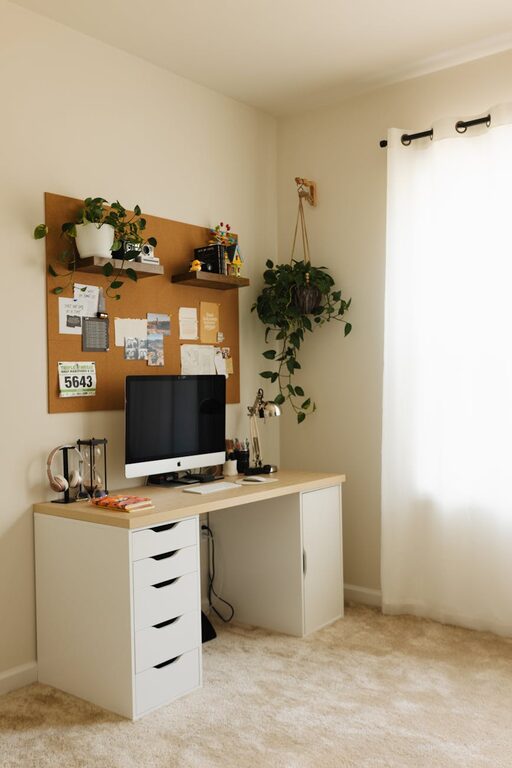
Your desk should accommodate your work materials without feeling cluttered. Adjustable desks can be an excellent option if you want to alternate between sitting and standing throughout the day.
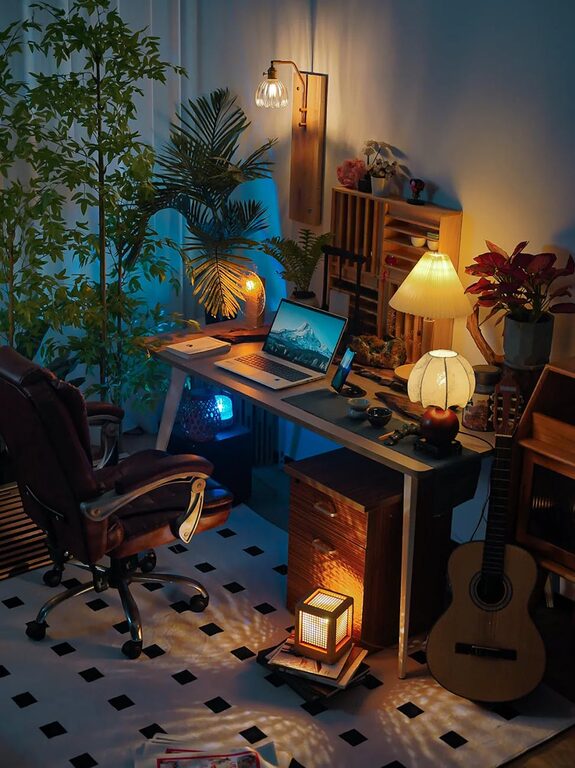
Enhance comfort by adding cushions or a soft throw over your chair. A cozy rug underfoot can also add warmth to your workspace.
Adding personal touches can make your workspace feel like your own sanctuary.
– Artwork or photos: Choose calming or inspiring images that make you smile.
– Plants: Small indoor plants or succulents improve air quality and bring a bit of nature indoors.
– Decorative storage: Use charming baskets, boxes, or shelves to keep your supplies tidy and stylishly arranged.
A clutter-free workspace minimizes distractions and helps you focus.
– Use organizers: Desk trays, drawer dividers, and pen holders can keep essentials in order.
– Keep cables neat: Cable clips or sleeves prevent cords from tangling or creating a mess.
– Declutter regularly: Set a weekly routine to clear away unnecessary papers or items to maintain a clean environment.
Soft, neutral tones are excellent for creating a serene atmosphere. Shades like pale blue, gentle green, or warm beige can contribute to focus and relaxation.
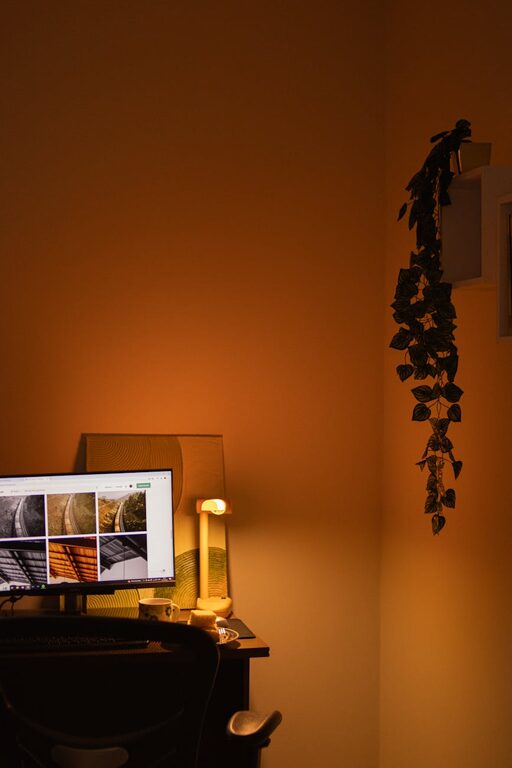
In addition to natural light, add adjustable desk lamps or floor lamps with warm bulbs. Layering lighting options lets you adjust brightness according to the time of day and task, reducing eye strain.
Even in a small space, designate a comfy spot to take breaks. A small armchair, a pouf, or a window seat with cushions invites you to step away from your work and recharge.
Technology is essential but can also be a source of distraction or discomfort.
– Ergonomic accessories: Consider an external keyboard or mouse to improve posture.
– Monitor placement: Position screens at eye level to avoid neck strain.
– Limit notifications: Silence non-essential notifications to maintain concentration.
Fresh air improves concentration and reduces fatigue.
– Open windows regularly to circulate air.
– Use an air purifier if your room tends to feel stuffy.
– Keep plants to help filter the air naturally.
Creating a cozy and inviting home workspace is about blending comfort with functionality. By choosing the right location, investing in ergonomic furniture, personalizing your area, and managing organization and lighting, you will create a space that supports productivity and well-being. Remember, a workspace tailored to your needs encourages creativity and helps you stay motivated throughout your workday.
With these tips, transform your working area into a place you look forward to being in—because comfort and productivity can go hand in hand!