 11
11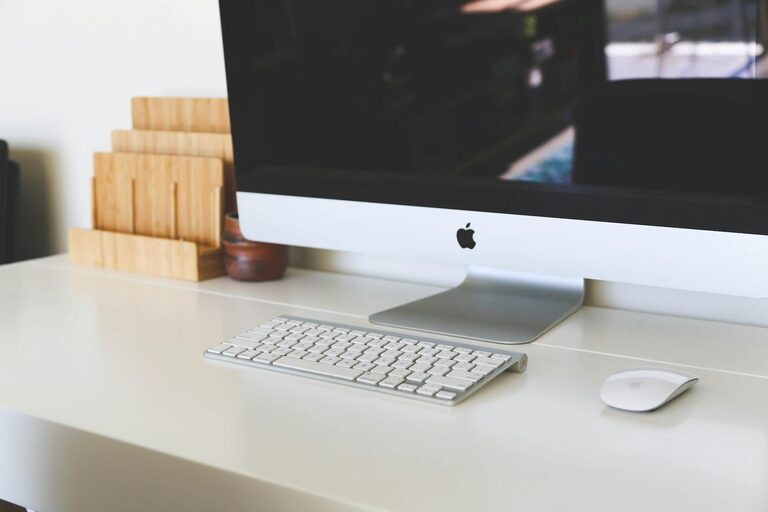
Having a well-organized home office can make a significant difference in your productivity and overall work experience. Whether you work remotely full-time or occasionally need a quiet place for tasks, a clutter-free and functional space helps maintain focus and reduces stress. Here are practical tips to help you set up and maintain an efficient, pleasant home office.
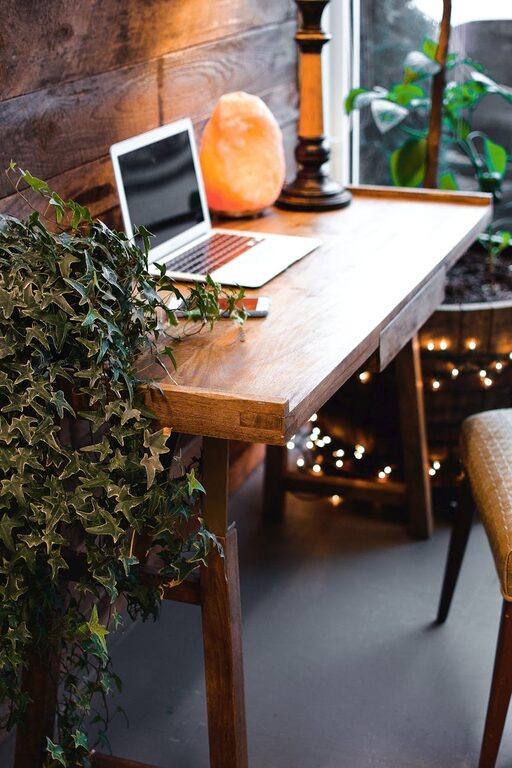
Start by selecting a suitable spot for your home office. Ideally, this should be a quiet area away from high-traffic parts of your home. Natural light is a plus, so look for a space near a window if possible. Even a small nook can work well as long as it offers enough room for your desk and essential equipment.
Your furniture should support healthy posture and offer enough storage to keep things organized.
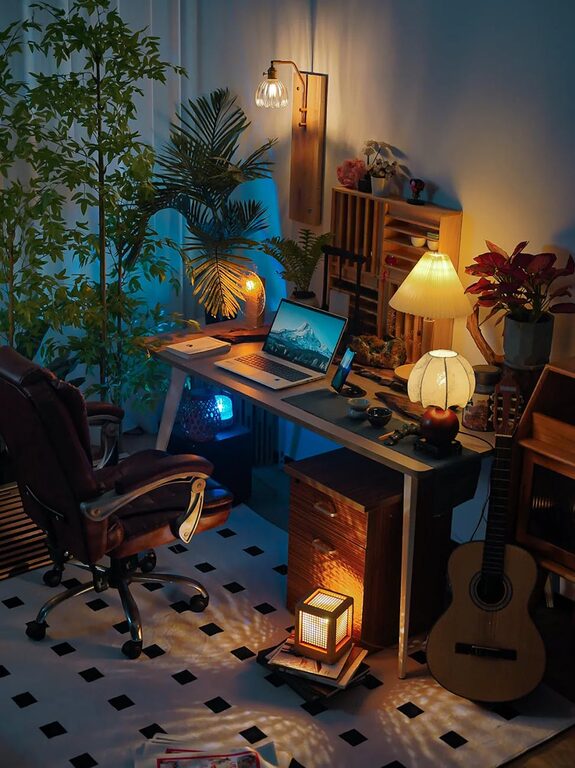
– Desk: Pick a desk that fits your space without overwhelming it. Look for one with built-in drawers or shelves to store supplies.
– Chair: Choose an ergonomic chair that supports your back and encourages good posture.
– Shelving and Storage: Use vertical storage solutions like wall-mounted shelves or tall bookcases to free up floor space.
Clutter quickly accumulates in a home office. Make decluttering part of your routine.
– Set aside time weekly or monthly to tidy your workspace.
– Remove unnecessary papers and items.
– Digitize documents when possible to reduce paper clutter.
Keeping similar items grouped together makes it easier to find what you need.
– Use drawer dividers for office supplies.
– Store files in labeled folders or boxes.
– Use cable organizers to prevent cords from tangling.
Arrange your desk so that frequently used items are within easy reach.
– Keep your computer, phone, pens, and notepads where you can grab them quickly.
– Avoid overcrowding the surface. Leave space to write or spread out documents.
Whether digital or paper, having an effective filing system saves time and reduces mess.
– Sort files by category, project, or deadline.
– Use color-coded folders or labels.
– Back up digital files regularly using cloud services or external drives.
A calm, distraction-free environment enhances focus.
– Turn off notifications and silence your phone during work hours.
– Use noise-canceling headphones or play soft background music if it helps you concentrate.
– Keep personal items like toys or unrelated books out of sight.
Adding personal touches can make your workspace inviting without creating clutter.
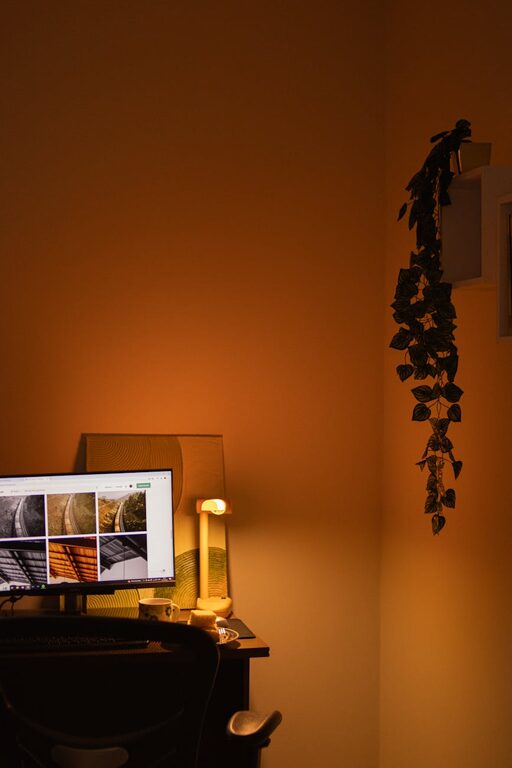
– Use framed photos or a small plant.
– Choose calming colors for decor to inspire creativity.
– Use functional decor such as a stylish clock or a bulletin board for reminders.
Proper lighting reduces eye strain and boosts mood.
– Use a combination of natural and artificial light.
– Position your desk so that light doesn’t cause screen glare.
– Consider a desk lamp with adjustable brightness settings.
Your computer and apps are part of your workspace too.
– Keep your desktop clean by regularly deleting or archiving files.
– Organize digital documents into clearly named folders.
– Use productivity apps for task management and scheduling.
Consistency helps maintain your office.
– End each day by returning items to their proper places.
– Plan your tasks so you’re not overwhelmed by clutter or unfinished work.
– Avoid bringing unnecessary items into the office.
—
By thoughtfully designing and maintaining your home office, you can create a space that inspires productivity and reduces stress. Remember, the goal is to have an environment that supports your work habits and keeps distractions at bay. Start small, make gradual improvements, and enjoy the benefits of a clutter-free, efficient workspace.